Rebuilding our site with Claude Design instead of Lovable
An honest account of moving our studio site off Lovable: what got better, what the shipped files actually look like, and the one place Lovable still wins. Written for people who care about the technical details.
We have moved through a few stacks over the years. WordPress first, then Webflow, and for a while now Lovable. Recently we rebuilt the Odysi site with Claude Design and deployed it through Netlify. Here's the detail of what changed.
The output does not look generated
Lovable produces good sites quickly, but after using it for a while you start to recognise the shape of a Lovable site. There is a default way it arranges sections, a reliance on stacked boxes and cards, and a layout that feels generated. It is fine, but it is recognisable, and it is hard to get away from.
With Claude Design we ended up with something specific to us. The layout follows our own design language rather than a default arrangement. That matters when the whole point of the site is to look like a studio that pays attention to detail.
Social previews that are actually correct
This was a recurring frustration with Lovable. Whenever we shared a page on WhatsApp or LinkedIn, the preview was usually wrong: the favicon instead of a proper image, a generic card that did not match the page, or an image from a completely different article. The descriptions were often off as well.
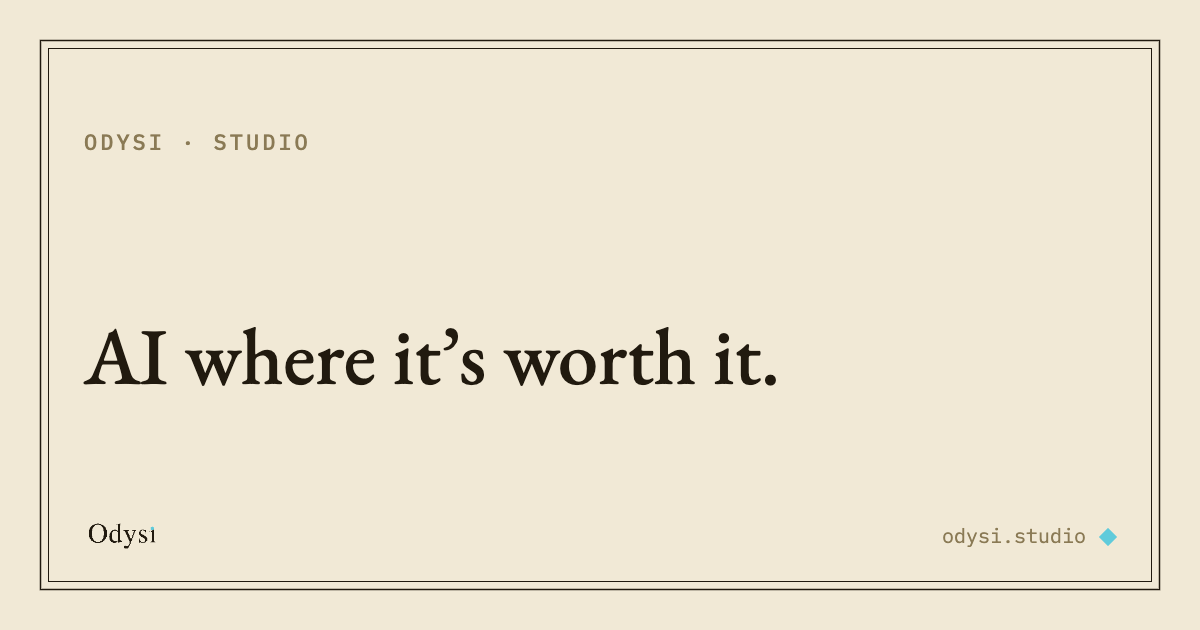
On the rebuilt site, every page carries its own Open Graph and Twitter card data: a unique title, a unique description, and a dedicated 1200 by 630 preview image per page. Paste a link anywhere and the card matches the page.
How the HTML is structured, and why crawlers handle it well
In our experience, Lovable leaned heavily on CSS class systems, and we found that some crawlers, Bing in particular, had trouble pulling the actual content out of the markup. The rebuilt pages are structured differently, and I checked the details before writing this.
- Real semantic elements: headings, section, article, nav and footer used for what they are, one h1 per page, and the visible text living in the document as text.
- Styling applied inline on the elements rather than through a large class-based stylesheet, so there is less indirection between the markup and what renders.
- A full set of schema.org structured data on every page: Organization and WebSite on the homepage, Article on the writing, FAQPage on the FAQ, Service on the service pages, and a BreadcrumbList on every subpage.
- Complete, unique metadata per page, and a robots.txt that explicitly welcomes the AI crawlers by name: GPTBot, ClaudeBot, PerplexityBot and the rest, pointed at the sitemap.
To be clear, the pages are plain semantic HTML with the content in the document and thorough structured data, served as static files rather than server-side rendered, which makes them easy for search crawlers and language models to read.
Deployment through Netlify
The deployment model is simple, which I appreciate. The project produces a folder of static files: the HTML pages, the assets, and a few plain-text configuration files. That folder is what goes to Netlify, which serves it from its CDN on our custom domain. There is no separate build server or framework runtime to set up on the host; it just serves the files.
The configuration files do the housekeeping. A _redirects file holds the 301 rules, which mattered during the migration: our old URLs were completely different, so we mapped each old path to its new page and kept the ranking those URLs had built. A _headers file sets caching. A sitemap and robots.txt handle discovery, and an IndexNow key lets us notify Bing the moment a page changes.
One project for the whole design system
This is the part that changed how we work, and it is easy to underestimate. Claude Design is not limited to producing the website. Inside the same project we also built our brand book, and we generated LinkedIn posts with matching visuals.
Because it all lives in one place, the tone, the palette, the typography and the design decisions carry across every artifact. When we want to produce a new piece to promote the site, the context is already there. Producing consistent material is much faster than starting from a blank file each time.
Search optimisation was handled as part of the work
We did not have to run a separate SEO pass. As part of building the site, the heavy source images were converted to lighter formats, WebP and JPEG, image dimensions were set, a sitemap, clean URLs, structured data and redirects were all put in place. The site scored 100 on the SEO audit in PageSpeed within a few prompts.
Lovable has been improving its SEO handling, to be fair. The difference is that here it was done as a normal part of the build rather than something we had to go back and retrofit.
Backend and database: Lovable still wins
It is worth stating plainly. Through its integration with Supabase, Lovable can set up a backend for you. If you are building something that needs a database, it wires the database to the front end automatically, and that is genuinely useful.
Claude Design is primarily a design and front-end tool. There is no native backend integration of that kind. You can follow its guidance to connect a third-party service or build your own database, but that is more manual work. If your project is fundamentally a data-backed application rather than a site or a front end, Lovable's backend story is still the stronger one.
Where this leaves us
For our purposes, a studio site plus the content and assets around it, the rebuild was the right call. The output is distinctive rather than templated, the social previews are correct, the markup and structured data are clean enough that crawlers and language models read it well, deployment through Netlify is simple, and the SEO groundwork was handled as part of the build.
The design system living in one project, reusable across the site, the brand book and the social posts, is the part I did not expect and now rely on.
If we were building a database-driven product rather than a site, the calculus would be different, and Lovable's backend integration would pull weight. For what we needed, this was a clear step up.